Projects
A project is a reusable profile you create once and use to apply to Flow Councils and other rounds. Instead of re-entering your details for every application, you maintain a single project and reuse it everywhere.
Your projects live at flowstate.network/projects. Each project also has its own public page at flowstate.network/projects/<id>.
Creating a project
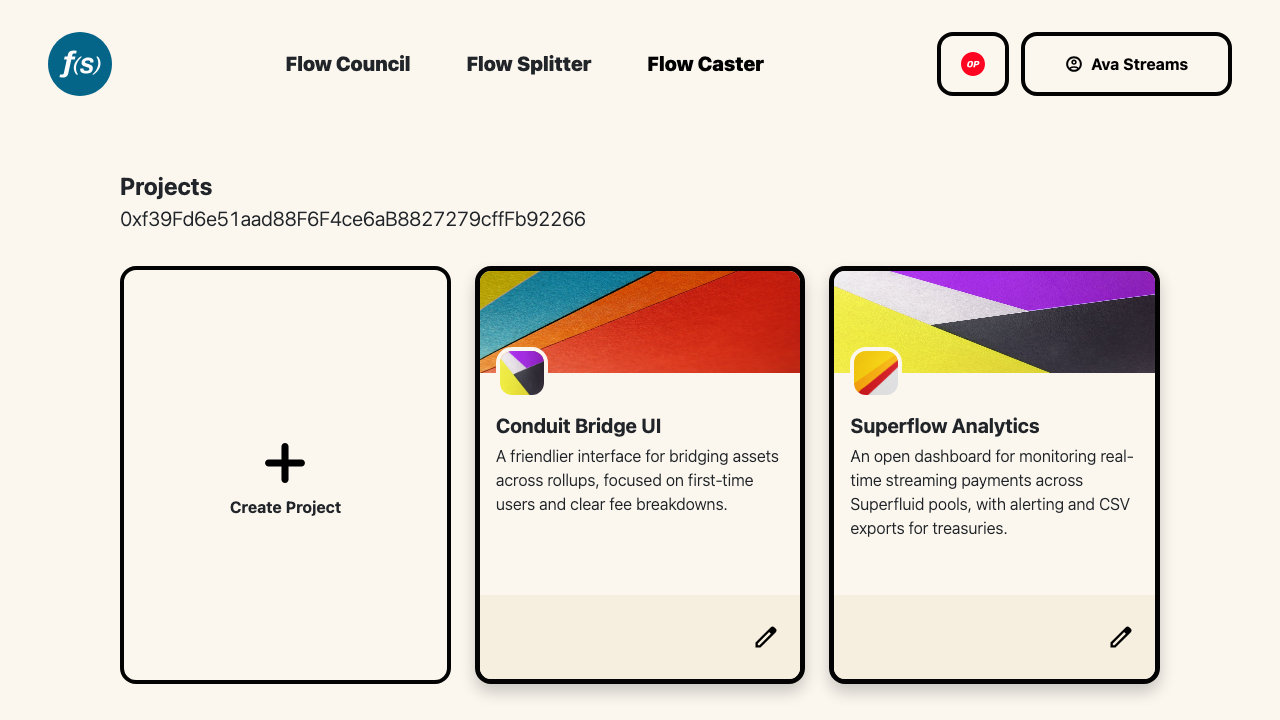
Your projects.
From the projects page, click Create Project. You'll be prompted to connect your wallet and Sign In With Ethereum if you haven't already, then a form opens with these sections:
- Admin — the Project Name, the Manager Addresses (every manager can edit the project; your signed-in address is locked as the primary manager), and a Default Funding Address (an EOA or Safe that receives ongoing funding outside of sponsored rounds).
- Basics — a Description (markdown supported), a square Logo (max 256KB), a 3:1 Banner (max 1MB), a Website, and an optional Demo/Application Link.
- Social — X/Twitter, Farcaster, Telegram Group, Discord Channel, Karma Profile, and a Gardens Pool link.
- Technical — Github Repositories and Smart Contracts.
- Additional — any other links you want to share.
Click Save Project to publish. The same form is used to edit later.
Editing is only available to a project manager. If you're not signed in with a manager address, the project page is read-only and the Edit button is hidden.
The project page
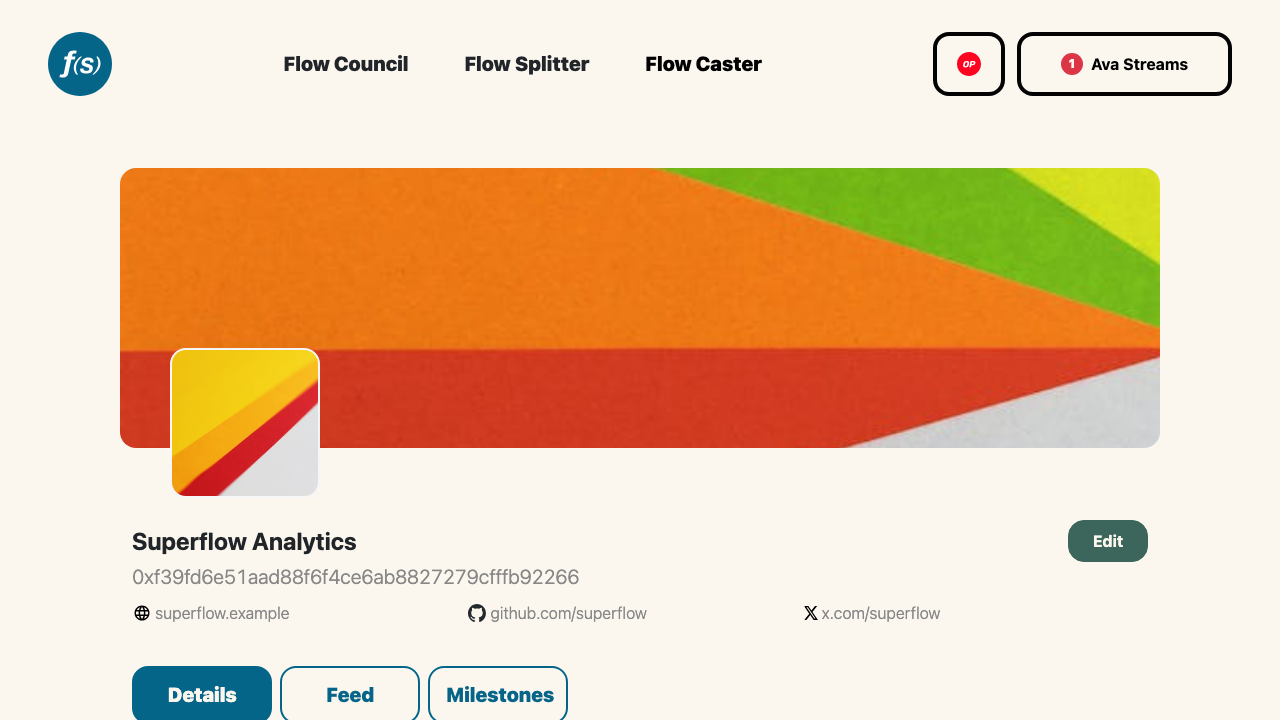
A project page with its links and tabs.
Each project page shows the banner, logo, name, manager address, and your linked website and social profiles, followed by three tabs:
- Details — your project description, rendered from markdown.
- Feed — an activity feed of posts and updates. Managers can write posts here; this is the same channel used for project communications in Flow Councils.
- Milestones — milestone progress reported against the rounds you've applied to. See Milestones.
Receiving funding
A project page can also accept funding directly, shown alongside the Details tab when configured.
Direct Funding
If your project sets a Default Funding Address, anyone can open a real-time stream straight to it from the Fund Project widget. They pick a network and a Super Token, set a monthly rate, and start a stream — no round required.
Gardens Pool Funding
If your project links a Gardens Pool, a Fund Gardens Pool widget lets supporters stream into your Gardens Protocol pool the same way, with a link out to the pool on Gardens.
Streams stay open only while the sender holds a positive Super Token balance. The funding widget shows an estimated liquidation date — wrap or top up tokens before then to avoid your stream being cancelled.