Inbox
The Inbox at flowstate.network/inbox collects every notification tied to your wallet in one place. Connect your wallet and Sign In With Ethereum to view it.
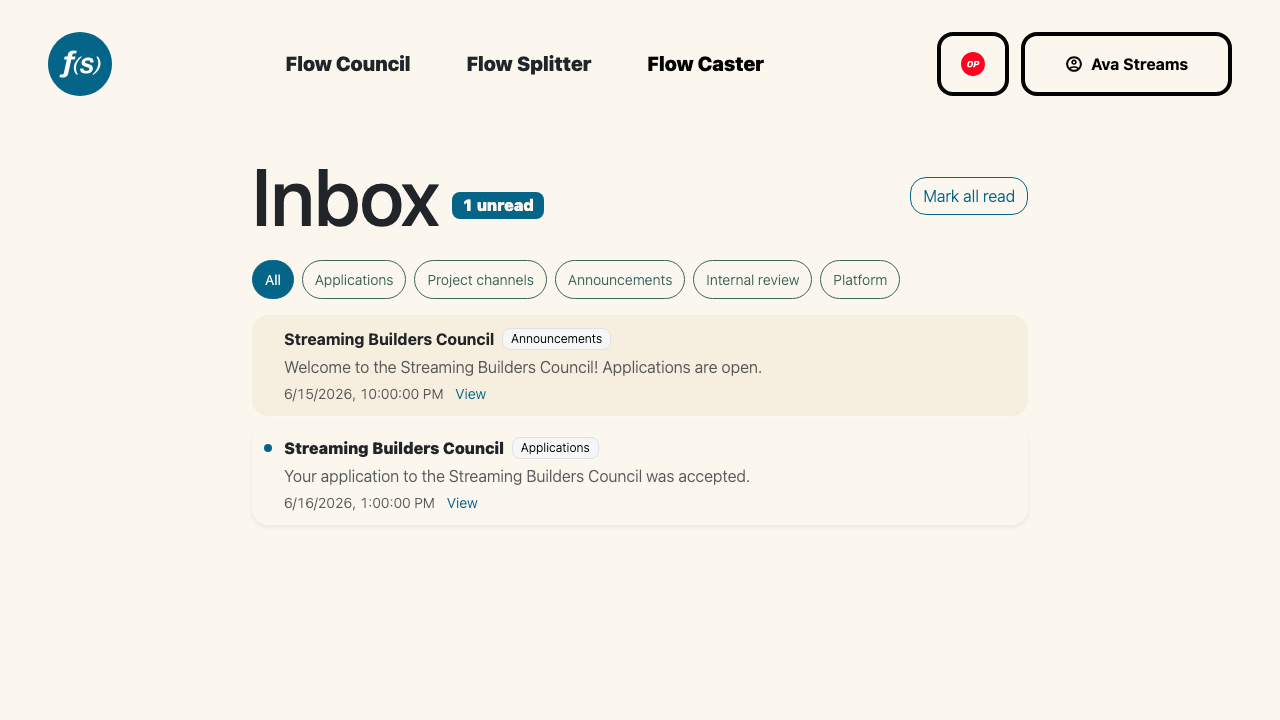
The inbox with category filters.
Categories
Items are tagged by category, and you can filter the list with the pills at the top:
- Applications — application and eligibility updates.
- Project channels — messages in your projects' channels.
- Announcements — round announcements.
- Internal review — review comments on your applications.
- Platform — Flow State platform messages.
Select All to see everything, or a single category to narrow the view.
Reading items
Unread items are highlighted and counted by the unread badge in the header. Click an item to mark it read; many items include a View link that opens the related round channel, announcement, or review. Use Mark all read to clear the unread count in one step, and Load older to page back through your history.
Want these in your inbox by email too? Add an email and toggle the categories you care about under Email Notifications.