Profile
Your profile is the public identity attached to your wallet address. Manage it at flowstate.network/profile — connect your wallet and Sign In With Ethereum to edit.
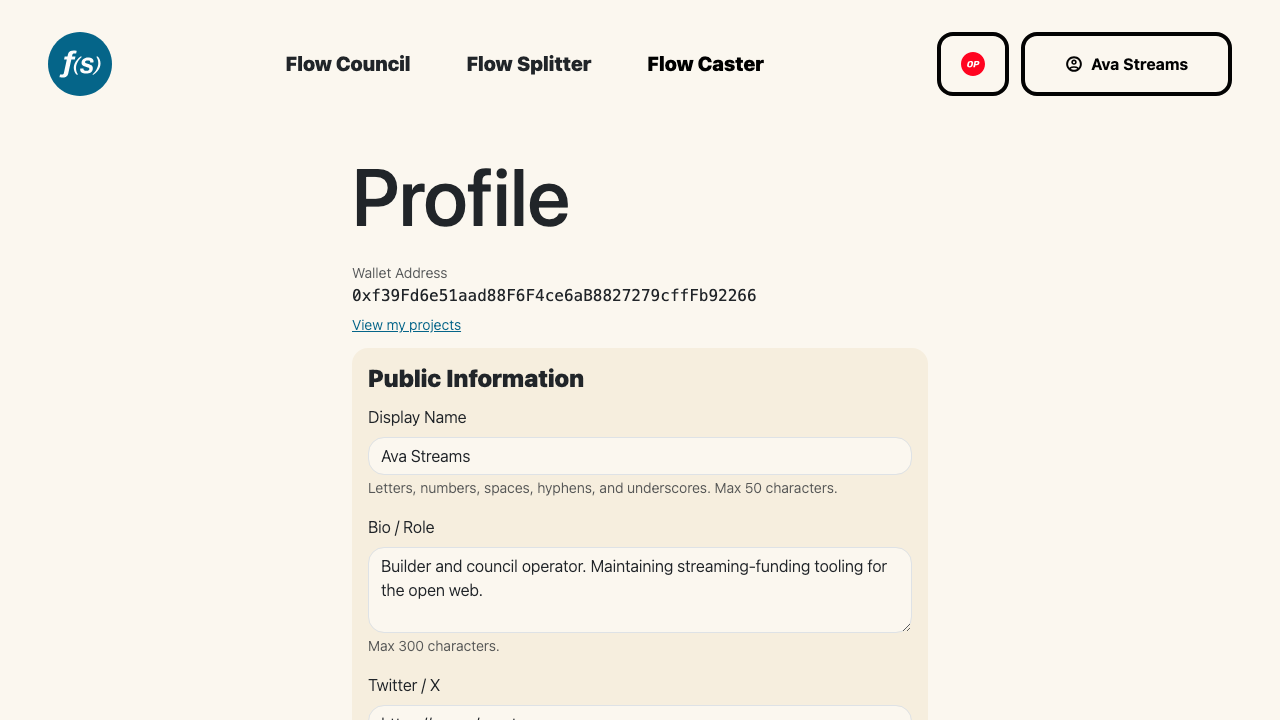
Editing your profile at flowstate.network/profile.
Public information
This section is shown on your public profile:
- Display Name — letters, numbers, spaces, hyphens, and underscores, up to 50 characters.
- Bio / Role — a short description, up to 300 characters.
- Social links — Twitter / X, GitHub, LinkedIn, and Farcaster. Enter a handle or a full URL for each.
Contact information
Your Email and Telegram are private. They're never shown on your public profile and are only shared when you choose to include them in an application — they auto-fill into application fields that ask for an email or Telegram.
Adding an email also enables email notifications; you'll be asked to consent before Flow State sends you any.
Click Save to apply your changes.
Public profiles
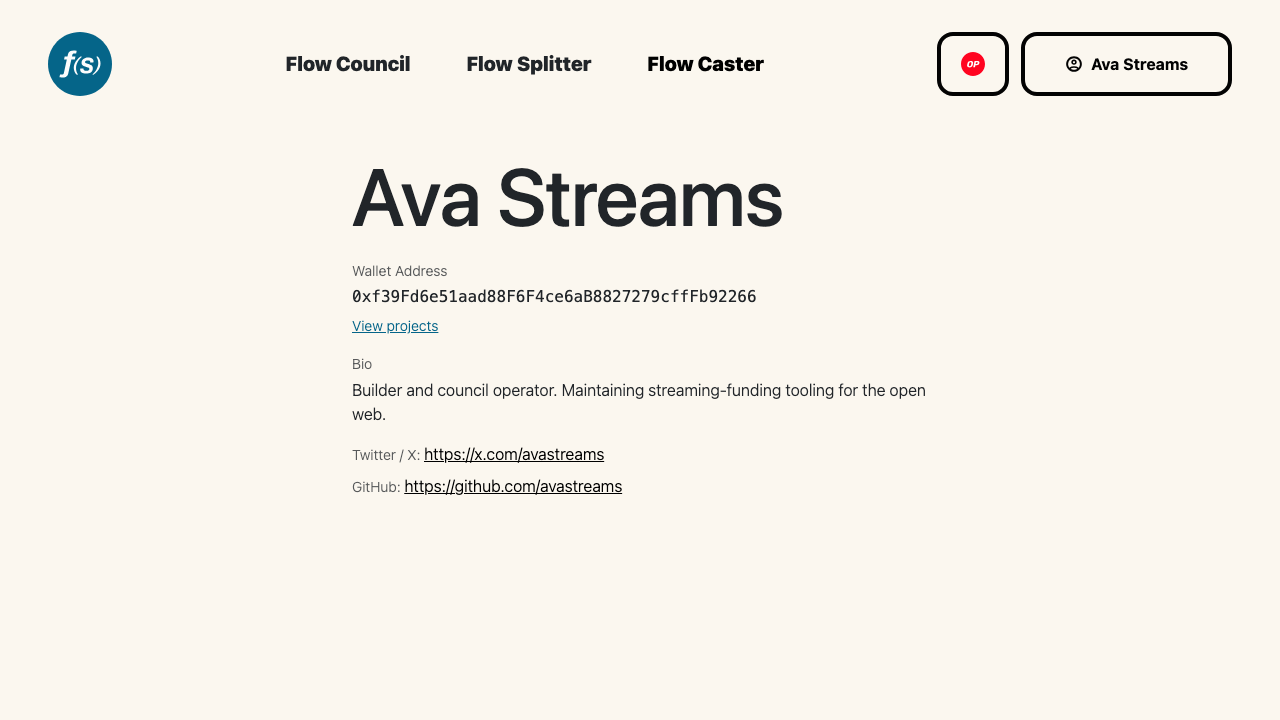
A public profile as others see it.
Every address has a public profile at flowstate.network/profile/<address>. It shows the display name (or a shortened address), bio, and any social links you've set, plus a View projects link to the projects that address manages. An address that hasn't set up a profile yet simply shows that no profile exists.