Applying
You apply with a project. Create a project once and reuse it across as many rounds as you like—your project details, branding, and links carry over.
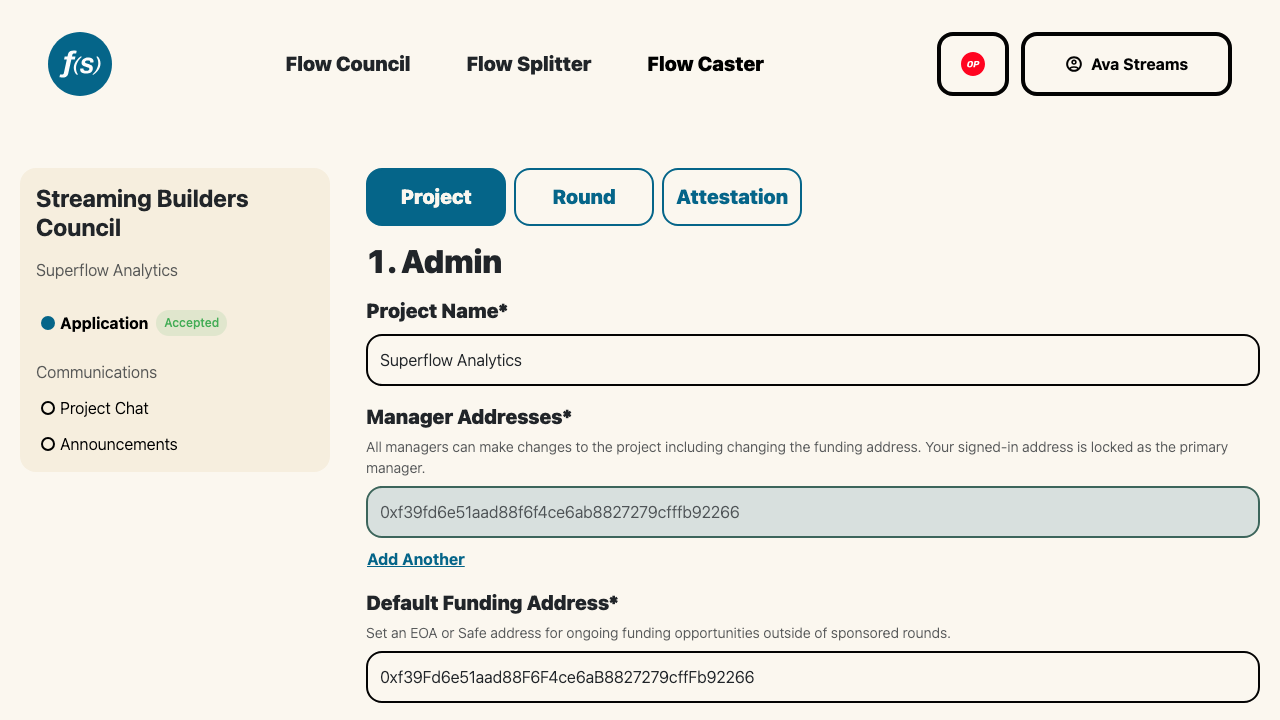
Filling out a council application.
Head to the council's application page at https://flowstate.network/flow-councils/application/<chainId>/<councilId>, sign in with your wallet, then pick an existing project or Create Project. Want to draft your answers offline first? Use Download Application Template to grab a markdown copy of every question.
The application has three tabs that mirror the form the operators built:
- Project – your standardized project profile.
- Round – the operator's custom questions, plus the wallet that will receive funding.
- Attestation – the round's commitments and acknowledgements.
You can save your progress and come back later; submitting moves the application to Submitted for review. After you submit, the form is locked—but if a reviewer unlocks edits, you can update and resubmit. If you haven't filled in a display name and email on your profile, the form nudges you to, so contact details auto-fill across applications.
Reviewers respond with a decision—Accepted, Changes Requested, or Rejected—along with a review comment. Once accepted, your funding wallet is added to the round's onchain distribution pool and you start earning with your first vote; see Receiving Funding for what comes next.